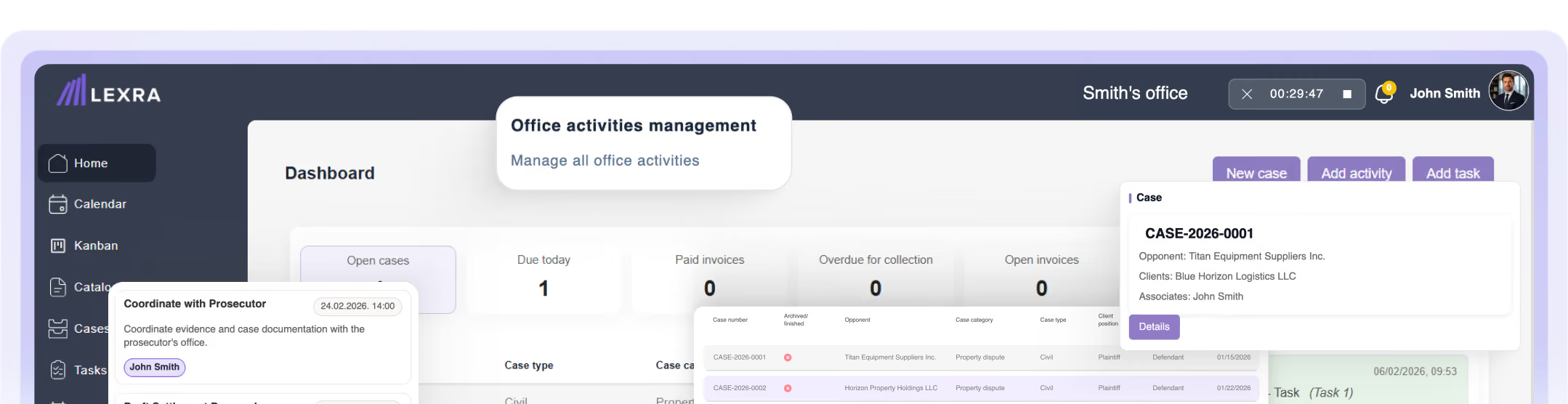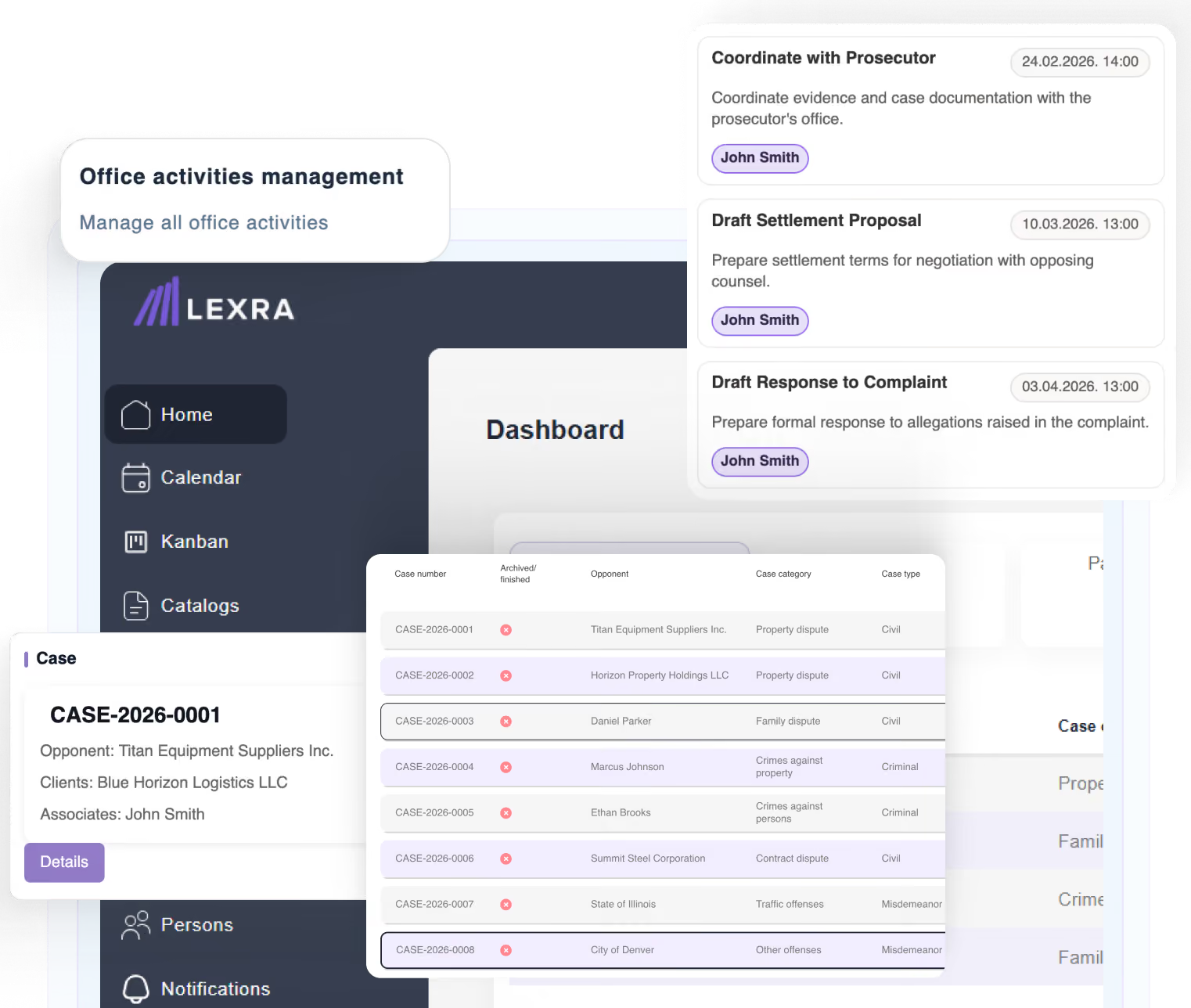
Legal Time Tracking Software for Law Firms
Track billable hours across cases, clients, and daily work, without relying on memory or separate tools. LEXRA helps legal professionals create structured time entries as work happens, so billable hours are easier to capture and review.

No credit card required.
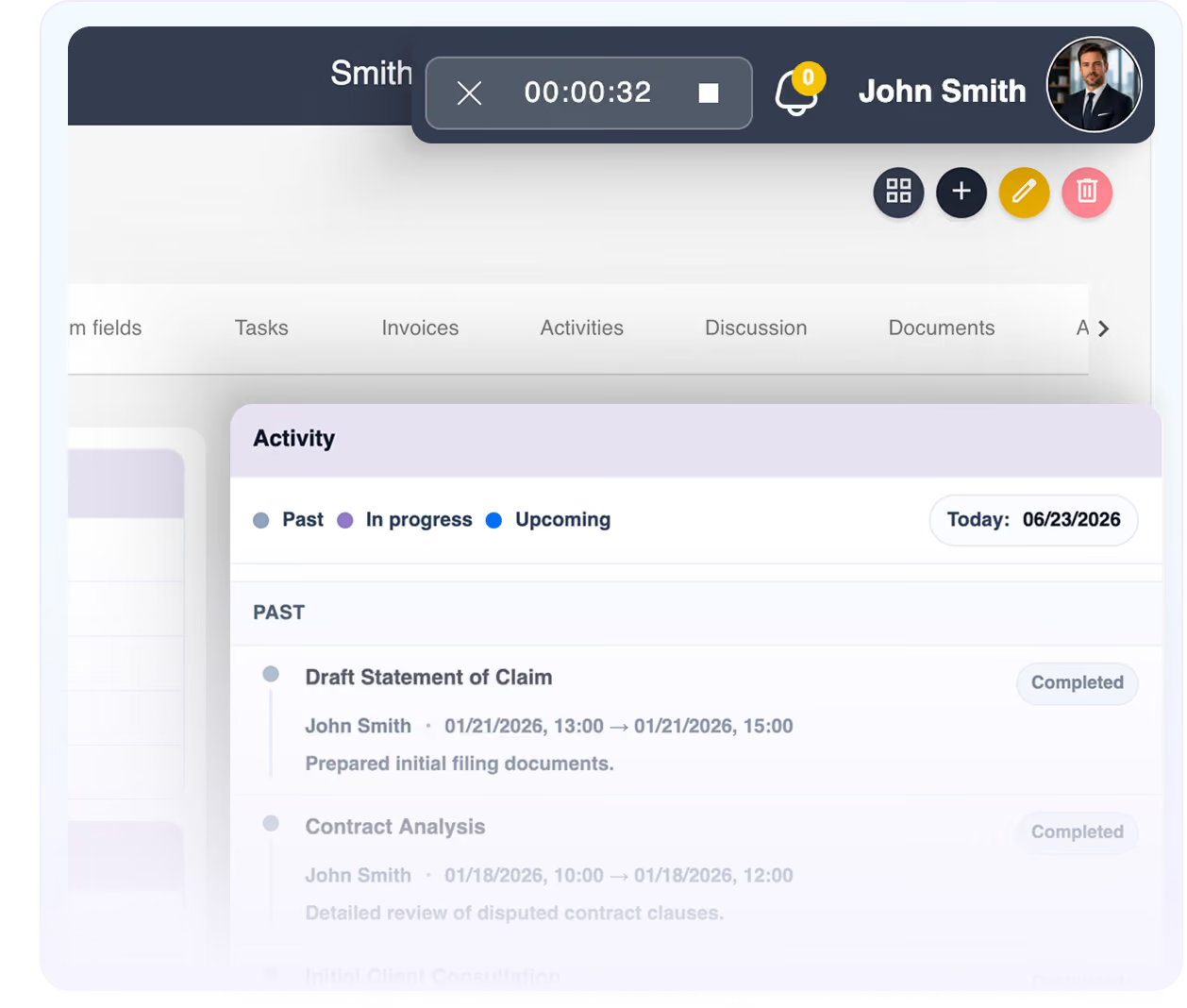


Time tracking software designed for how legal work actually happens
Track billable hours in a way that fits your daily work – whether time is connected to a case, a client, or a standalone activity.
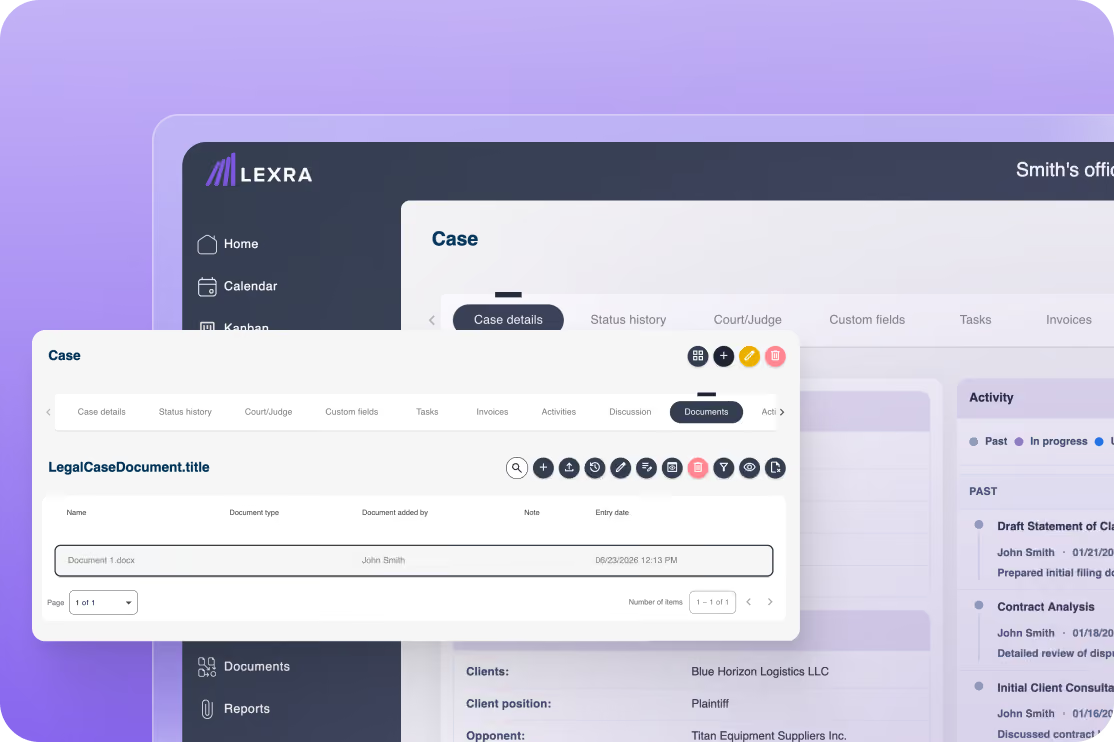
Time tracking that does not force everything into a case
Not all work fits neatly into one case. LEXRA lets you record time across cases, clients, and general activities without forcing every entry into the same structure.
Capture billable hours while context is still clear
Create structured time entries as work happens, instead of trying to reconstruct your day later from memory.
Flexible time entries for different types of work
Some time entries are linked to a case. Some are linked to a client. Some are simply activities you need to record. LEXRA helps you manage all of them consistently.
Less manual reconstruction at the end of the day
When time is recorded closer to the moment work happens, your records stay clearer and billable hours are less likely to be missed.
Better visibility into time spent across work
Understand how time is spent across cases, clients, and daily activities, so your team has a clearer view of work without relying on separate tools.
Built for daily legal work
LEXRA supports time tracking as part of your legal workflow, helping legal professionals track time without adding unnecessary complexity.
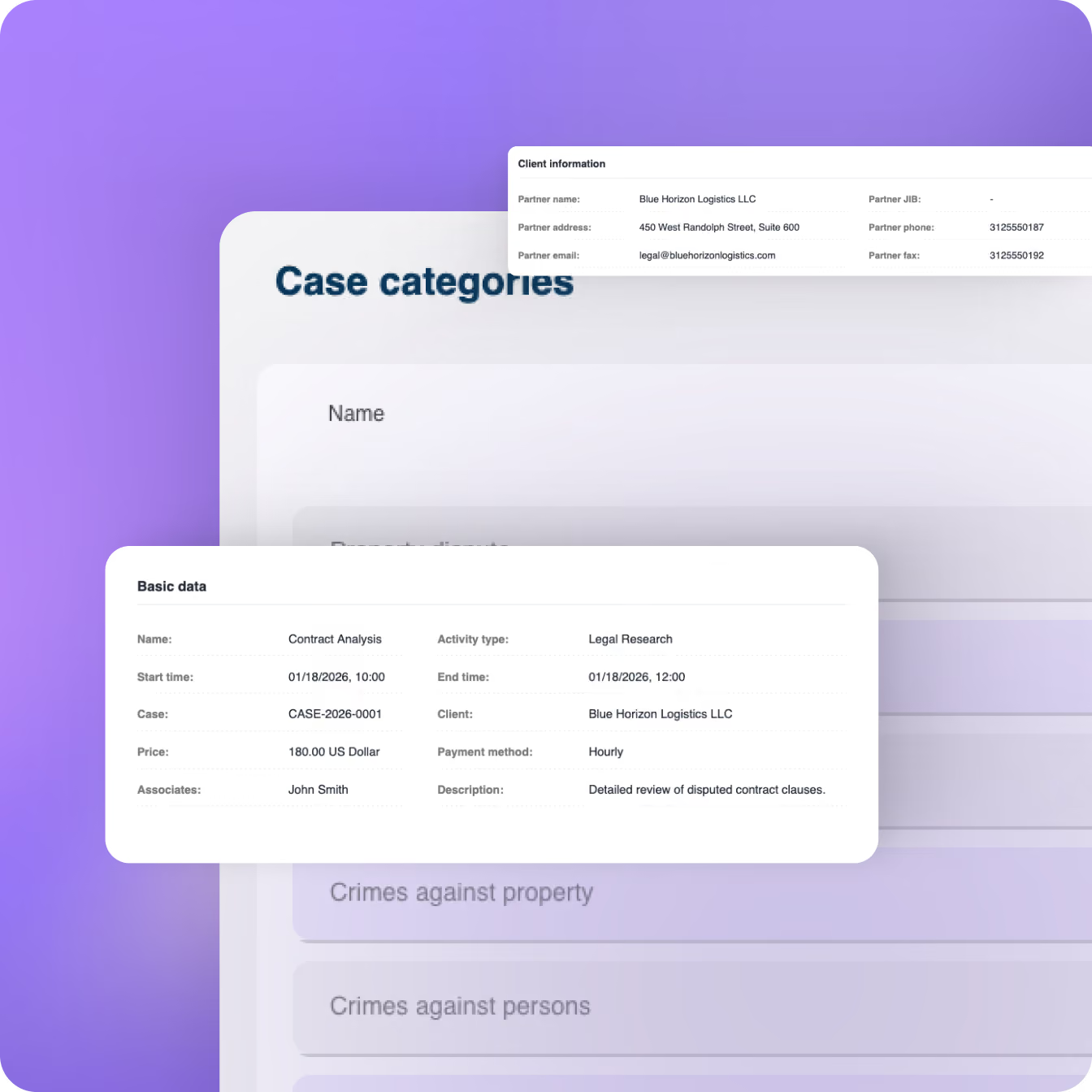
Built for the way legal work is actually recorded
Work that happens between cases
Not every activity belongs neatly to one case. LEXRA lets you record time for case work, client work, or standalone activities without forcing everything into one structure.
Work that is easy to forget later
Calls, follow-ups, research, internal tasks, and small client-related activities are often the first things missed. LEXRA helps you record them while the context is still clear.
Work shared across a team
When multiple people contribute to daily legal work, time entries need to stay consistent. LEXRA helps each team member record their work in a structured way.
Work that needs better visibility
Billable and non-billable time becomes easier to understand when it is recorded as part of daily work, not reconstructed at the end of the day.
How LEXRA keeps time tracking connected to daily work
Time tracking in LEXRA is built around the way legal work actually happens throughout the day.
Record an activity and log hours
Create a time entry as work happens, instead of waiting until the end of the day to reconstruct everything from memory.
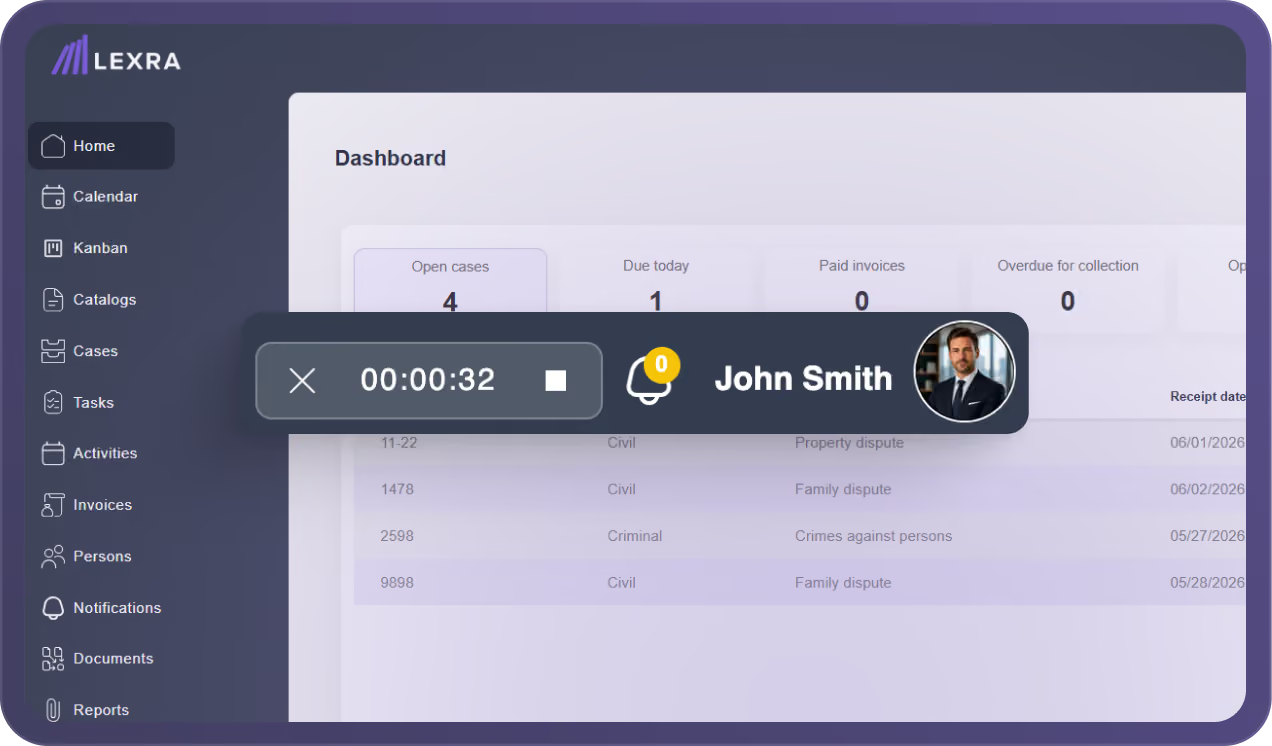
Add time and relevant details
Include the time spent and the context behind the activity, so each entry is easier to understand and review later.
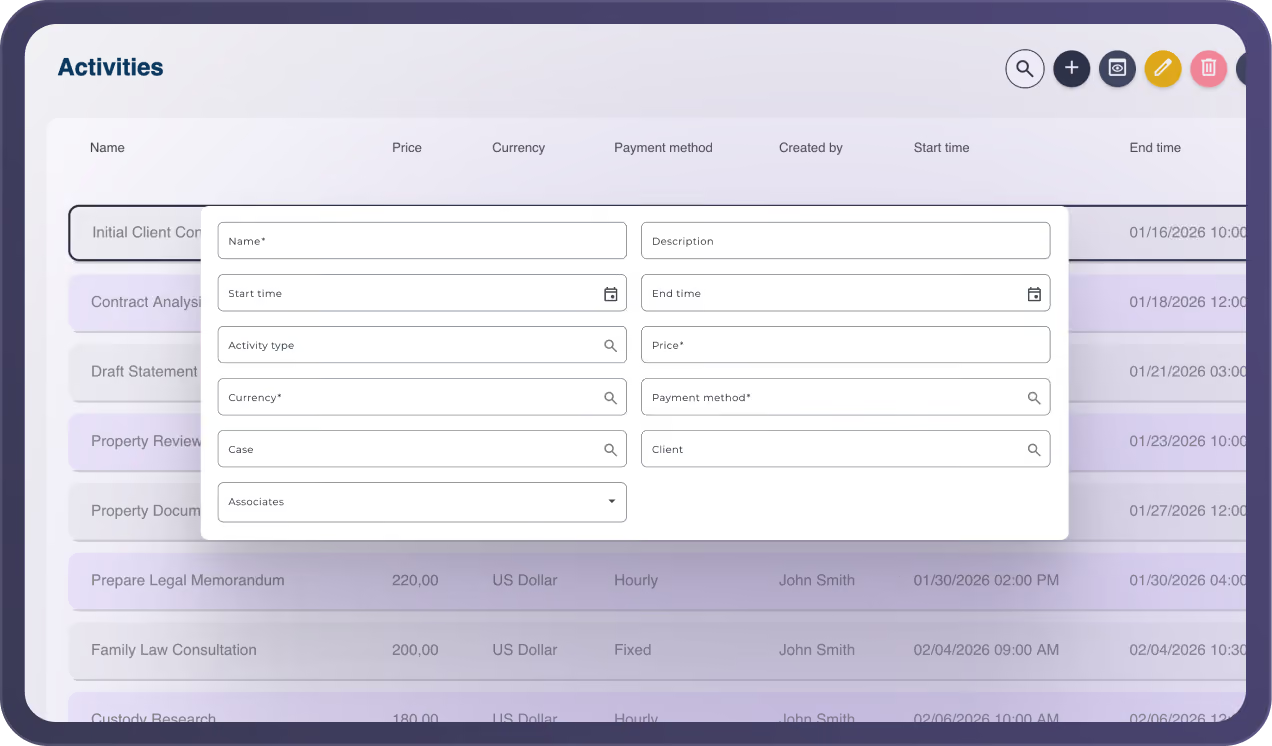
Link it to a case or client if needed
Time entries can be connected to a case or client, or kept as standalone activities when they don’t belong to one specific matter.
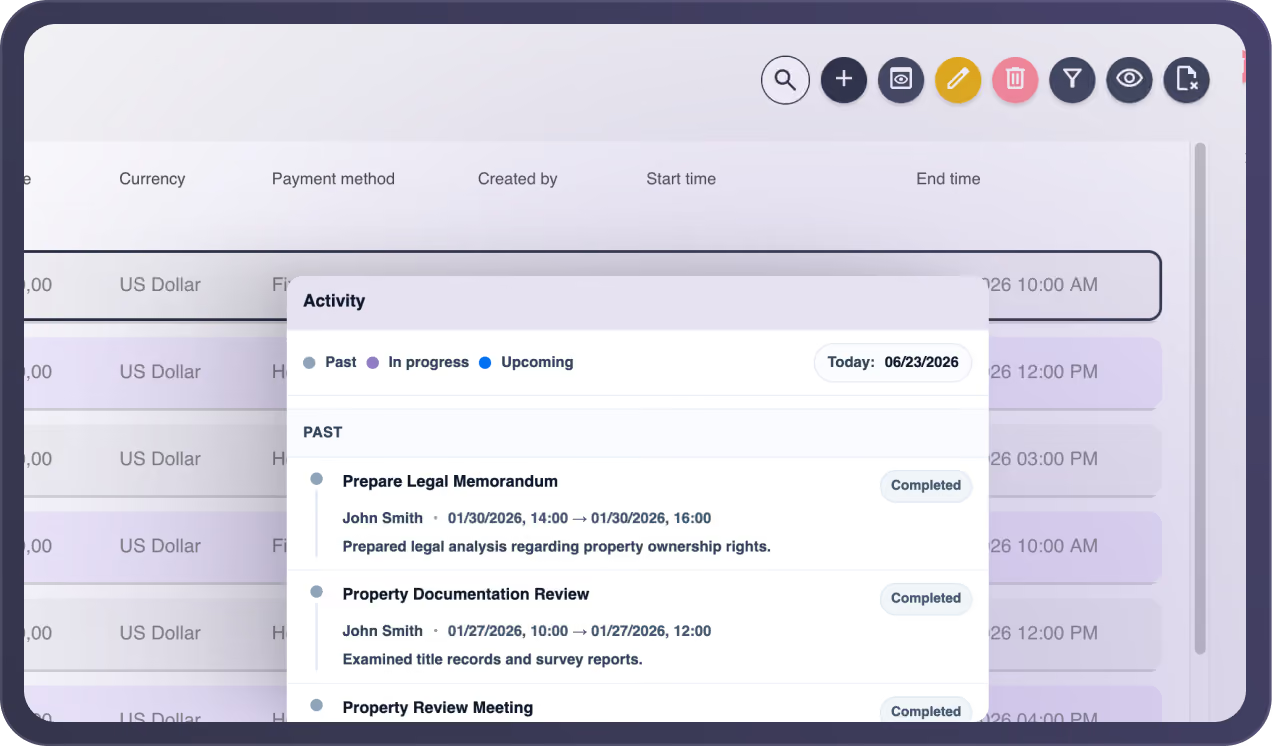
Keep time part of your daily workflow
As work continues, time entries stay connected to your daily legal work—making billable and non-billable time easier to track across cases, clients, and activities.
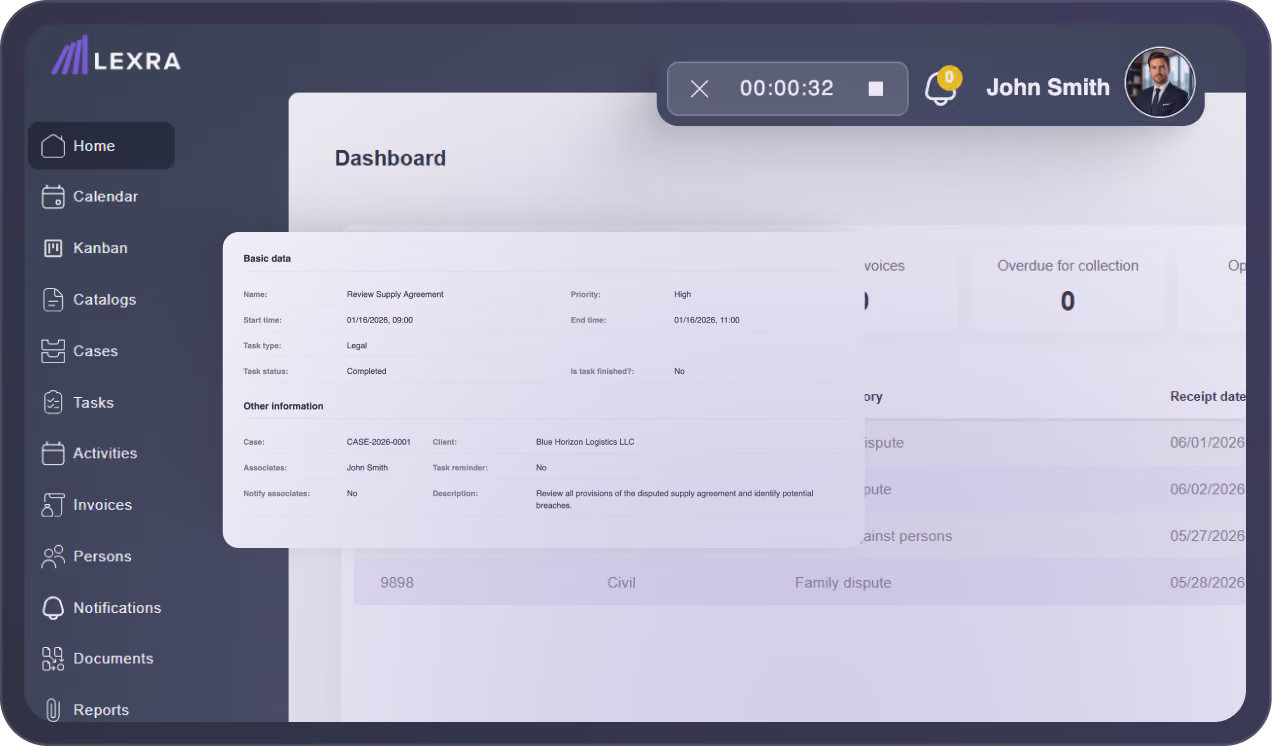
Why choose LEXRA for legal time tracking
LEXRA is designed for law firms that need a simple and structured way to track time without changing how legal work actually happens.
Flexible time entries
track time by case, client, or standalone activity.
Built for daily legal work
capture time while the context is still clear.
Less reliance on memory
reduce manual reconstruction at the end of the day.
Better clarity across work
learn how time is spent on cases, clients, and activities in a clearer way.
Simple enough for legal teams
track time without adding unnecessary complexity.
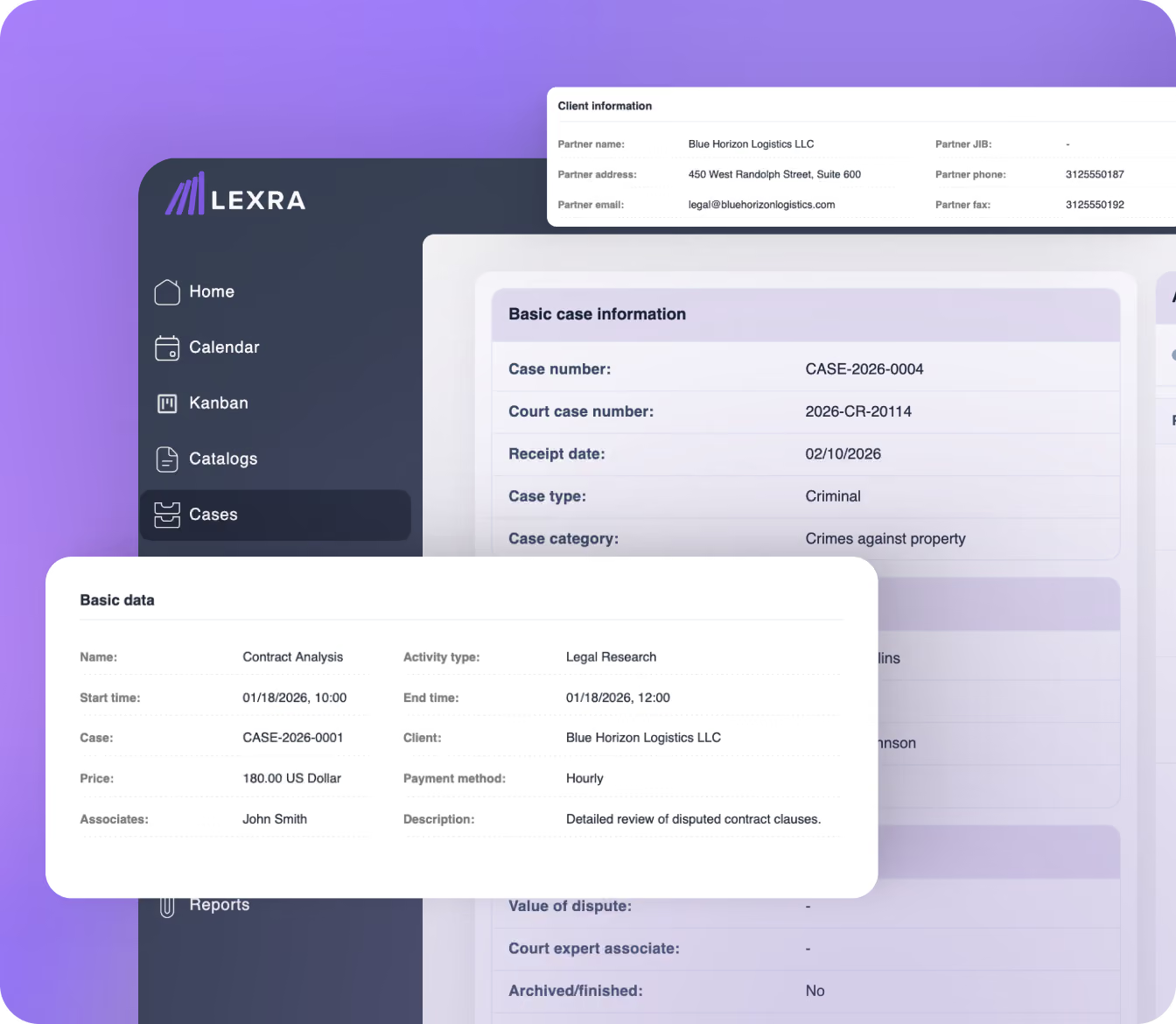
You may have questions about law firm time tracking software...
Let us help you find answers:
Can I track billable hours across different types of work?
Yes. LEXRA's legal time tracking software allows you to track billable hours across cases, clients, and standalone activities. You can capture time spent on client work, administrative tasks, or any other activity, without forcing everything into a fixed structure.
Can time tracking be linked to a case, client, or used independently?
Yes. Time entries can be linked to a case, a client, or recorded as standalone activities.
You can capture all of it in just a few clicks, without forcing every task into a fixed structure.
Can I filter and view time entries for a specific case or client?
Yes. You can filter time entries and track billable hours by case, client, or activity.
This makes it easier for law firms to review time spent, monitor work, and maintain structured records.
How does this improve time tracking accuracy and reduce missed billable hours?
Time is recorded as part of daily work, not reconstructed later. With just a few clicks, legal professionals can create time entries while the context is still clear, resulting in more accurate records and fewer missed billable hours.
Is this legal time tracking software suitable for different types of law firms and team sizes?
Yes. This legal time tracking software is designed for small law firms and growing legal teams. It adapts to your firm’s size and the way you work, whether you're a solo practitioner or part of a team, so you can track time consistently across daily activities.
Can multiple team members track time and can admins view all time entries?
Yes. Team members can track billable hours individually, while administrators have visibility into all time entries across the firm. This supports better team productivity and consistent time tracking across law firms.
Does this replace billing software or invoicing tools? Can I bill clients through it?
No. This solution focuses on legal time tracking and capturing billable hours accurately. It can support your existing billing process by providing reliable time entries, but it does not replace billing software or invoicing tools.
Can I use this lawyer time tracking software across different devices?
Yes. This time tracking software is accessible across desktop and mobile devices, so you can track time as you work, without being tied to a single location. As a flexible timekeeping software, it fits naturally into your daily workflow and works alongside other time tracking tools you may already use.
Does this work as a legal time management software for daily work?
Yes. It helps legal professionals manage time spent across tasks, client work, and administrative tasks in a structured and consistent way.