
Help
Get to Know the Dashboard
Get to Know the Dashboard
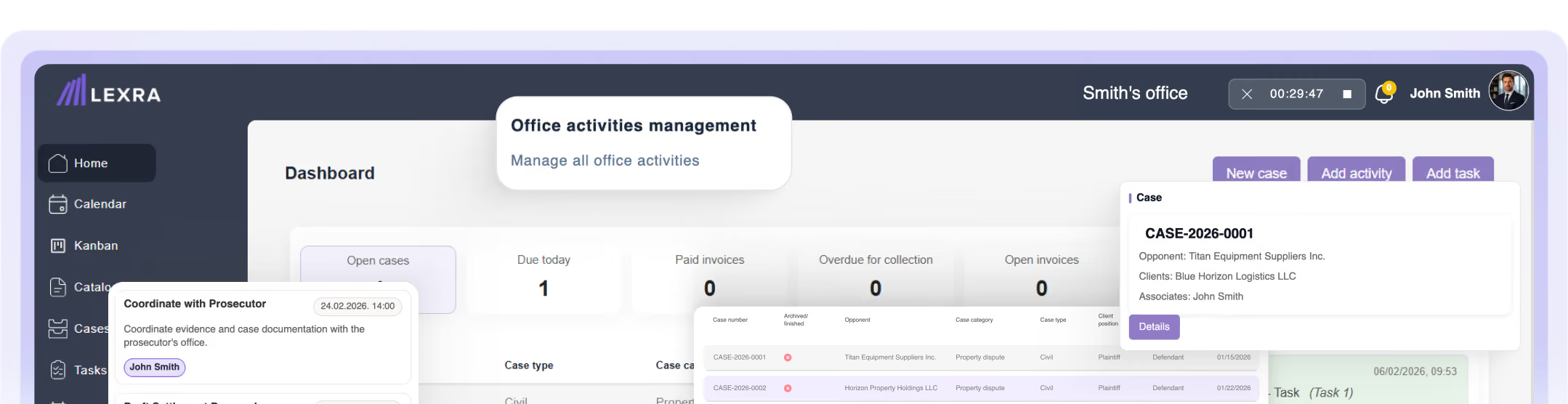
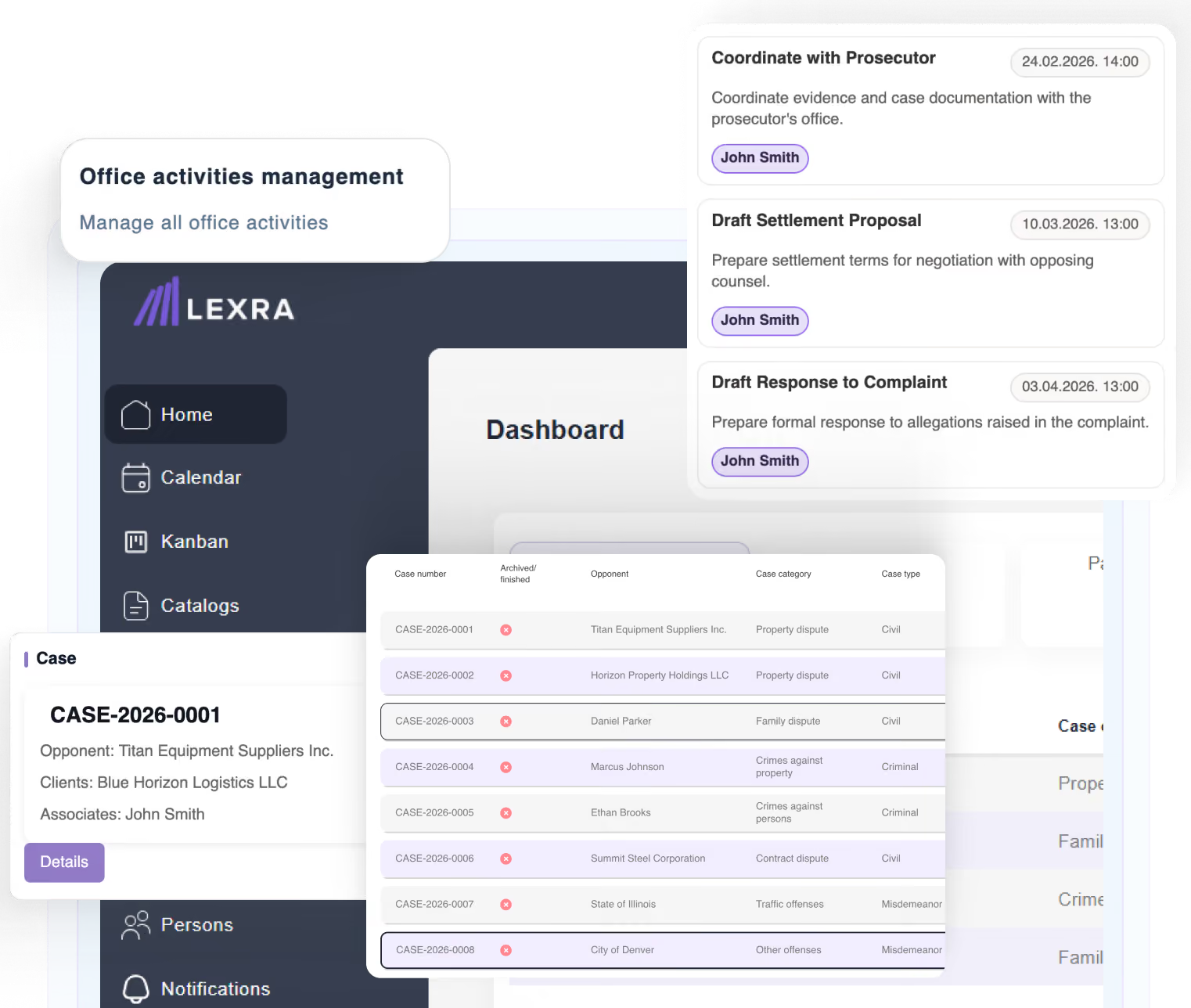
The dashboard is the home page of Lexra and the central point for viewing key information and quickly accessing every module.
[ Video guide — insert video or link ]
In this article
- Navigate the main menu
- Quick actions
- View cases
- View the calendar
Navigate the main menu
Use the main menu to reach all features:
- Cases
- Calendar
- Kanban
- Tasks
- Activities
- Invoices
- People
- Documents
- Notifications
- Reports
- Settings
[ Screenshot — Dashboard ]
Quick actions
Start the most frequent actions straight from the dashboard, without opening a module:
- Create a new case
- Record an activity
- Create a task
- Start the timer — the timer icon is in the application header on every page.
[ Screenshot — Quick actions ]
View cases
The case list shows the cases available to your account. Administrators see all office cases. Collaborators see cases they created or on which they are assigned.
[ Screenshot — Case list ]
View the calendar
The calendar shows activities, tasks, deadlines, and events — a quick overview of all obligations by day.
[ Screenshot — Calendar ]
Note: On first sign-in, Lexra may display a brief onboarding guide introducing the basic features.