
Help
Cases: Module Overview
Cases: Module Overview
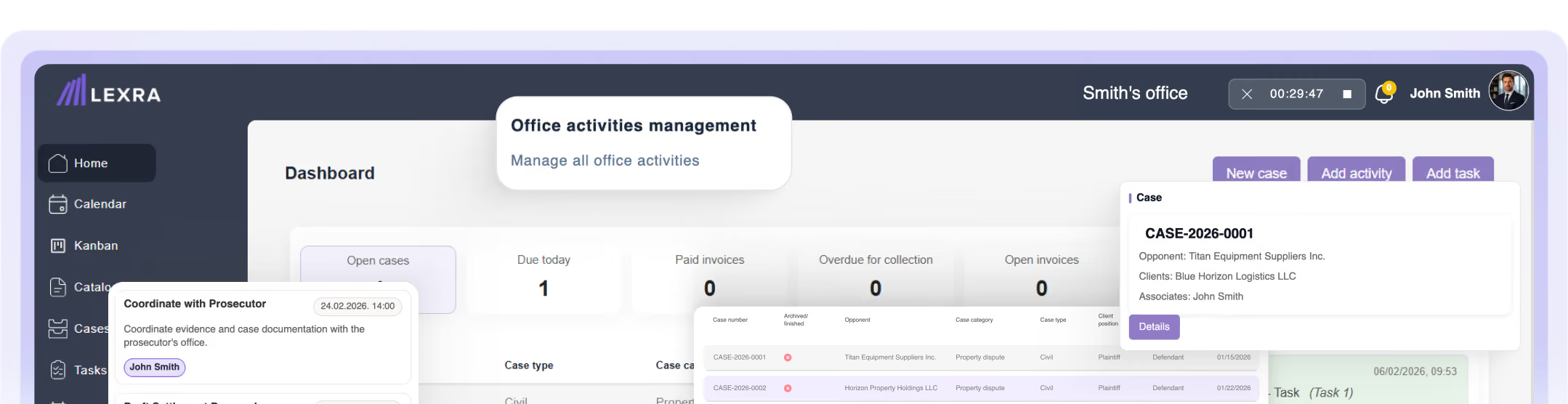
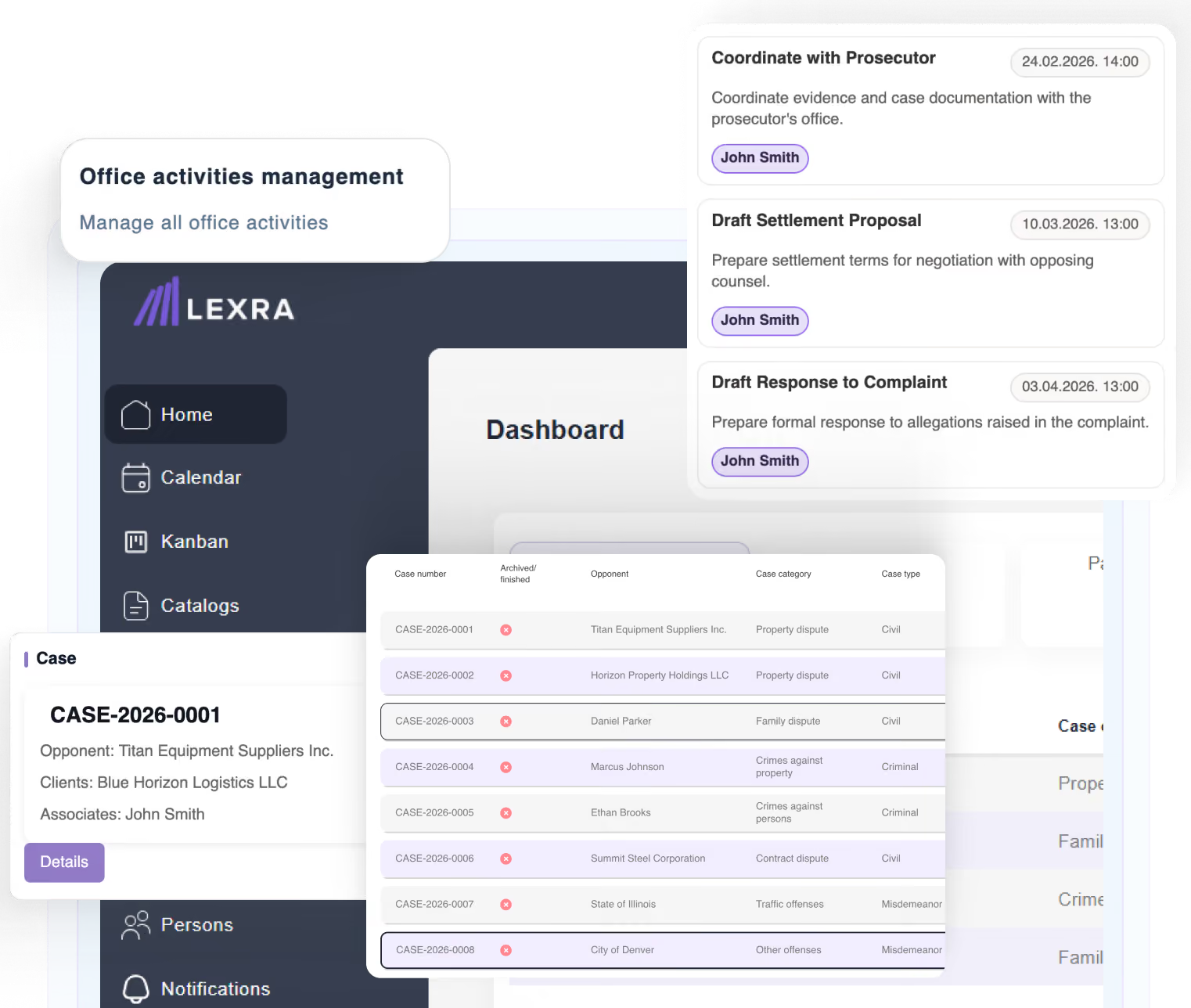
The Cases module lets you manage the firm's entire matter portfolio from one place.
What you can do
- View all cases
- Search and filter cases
- Create new cases
- Edit existing cases
- Track activities and deadlines
- Manage documents and tasks
- View financial data
- Communicate internally between collaborators
Note: System administrators can view all cases. Users without administrator permissions see only the cases they created or on which they are assigned as collaborators.
[ Video guide — insert video or link ]